
FTX
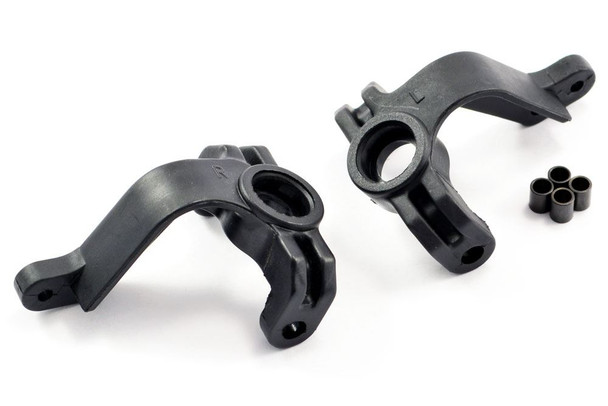
FTX Vantage Carnage Outlaw Banzai Kanyon Steering Knuckle Arm (1 Pair) FTX6215
- SKU:
- FTX6215
- UPC:
- 5055323945342
- MPN:
- FTX6215



Description
Additional Information -
FTX VANTAGE / CARNAGE / OUTLAW / KANYON STEERING KNUCKLE ARM (1 PAIR left and right)
What Is FTX6215?
FTX6215 is a set of steering knuckle arm sfor your RC car.
-
It comes as 1 pair (2 pieces) - enough to replace both left and right steering knuckles. These are also marked L for left and R for right. Ally version is available also FTX6367. See images for other associated part numbers.
-
These are OEM spare parts used in the steering assembly of several FTX models.
Compatible models include:
-
FTX Vantage
-
FTX Carnage
-
FTX Outlaw
- FTX Hooligan
-
FTX Kanyon(and others in the same series)
These parts connect the front wheels, suspension, and steering linkage so that steering servo input turns the wheels correctly.
Why Replace the Steering Knuckle Arms?
You'll want to replace FTX6215 if you notice any of these:
-
Wheels don't turn smoothly or delay in steering response.
-
Knuckles are cracked, bent, or worn from crashes or hard running.
-
Excessive play in your front wheels or steering linkage.
-
Stripped pin holes or worn steering ball cups.
Replacing worn steering knuckles restores precise steering and handling.
Tools You'll Need
-
Small HEX driver set (often 1.5-2.5 mm)
-
Needle-nose pliers (optional but useful)
-
Small container for screws
-
Clean workspace
-
Optional replacement screws if old ones are damaged
Step-by-Step: How to Fit FTX6215
1 Remove the Front Wheels
-
Turn your RC car upside down.
-
Remove the front wheel hex nuts and take wheels off.
2 Disconnect the Steering Linkage
-
Locate the steering linkage connecting the servo horn to the wheel knuckles.
-
Unscrew the linkage from the knuckle arm - this may be a small ball-end or turnbuckle.
-
Set screws aside in a small container.
3 Remove the Old Knuckle Arms
-
Remove the pivot screws or kingpin screws that attach the knuckle arms to the upright.
-
Carefully slide the old knuckle arms off the suspension upright.
-
If they're tight, use gentle wiggling rather than force to avoid damaging parts.
-
4 Fit the New FTX6215 Knuckle Arms
-
Take the new FTX6215 arms and align them with the upright mounting point.
-
Slide them onto the pivot points where the old ones were.
-
Reinstall the mounting screws and tighten securely, but don't over-torque (plastic strips easily).
5 Reattach Steering Linkage
-
Reconnect the steering linkage to the new knuckle arms.
-
Make sure the linkage ball-ends sit snugly in the steering arm's holes.
6 Refit the Wheels
-
Put the wheels back on.
-
Tighten wheel nuts to firm, but avoid overtightening (which can bind bearings).
7 Test the Steering
-
Power up your car and servo.
-
Move the steering trim to center.
-
Turn the wheels by hand to check for smooth motion with no binding or play.
Tips for Best Results
-
If your steering still feels sloppy after fitting the new arms, check the servo saver, linkage turnbuckles, and servo horn for wear.
-
You may want to add a drop of thread-locker on the small screws if they frequently back out.
Related Products
Related Products
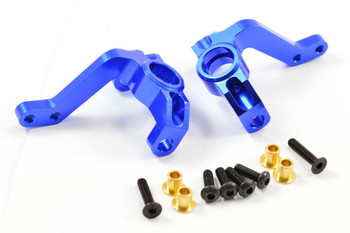

FTX Vantage Carnage Outlaw Banzai Kanyon Zorro Steering Arm Knuckles FTX6367
FTX
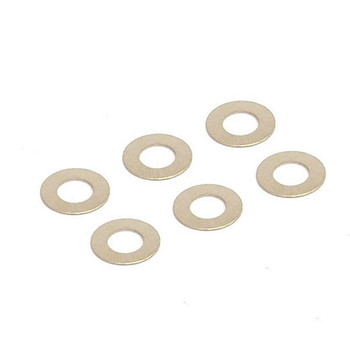
FTX Vantage Carnage Outlaw Banzai Kanyon Hooligan Washer 6pcs FTX6234 Shims
FTX
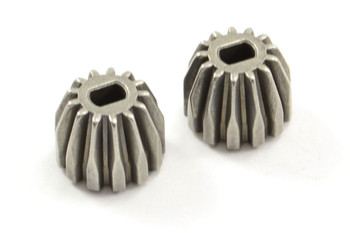

FTX Vantage Carnage Outlaw Banzai Kanyon Diff Drive Pinion Gear x2 13T FTX6230
FTX
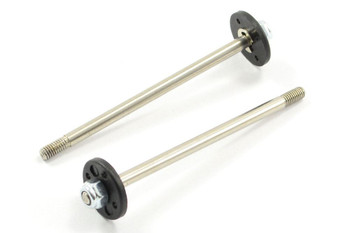
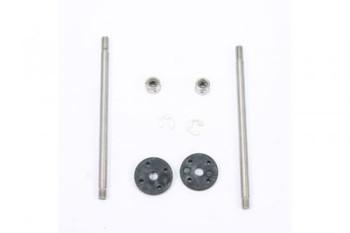
FTX Vantage Carnage Outlaw Banzai Kanyon Rear Shock Shaft Piston Set FTX6207
FTX
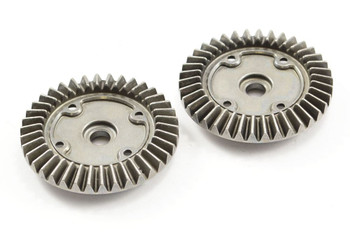

FTX Vantage Carnage Outlaw Banzai Kanyon Diff Drive Spur Gears FTX6229 39T gear
FTX