
FTX
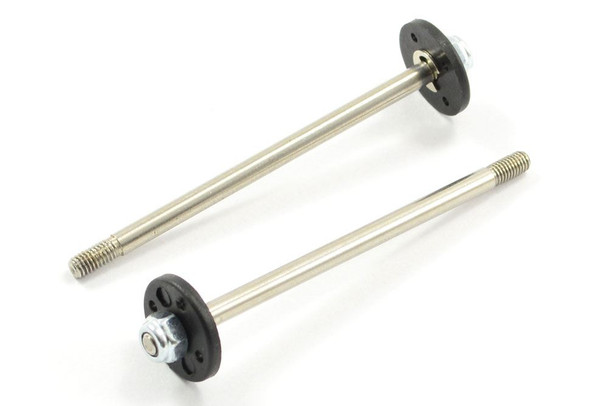
FTX Vantage Carnage Outlaw Banzai Kanyon Rear Shock Shaft Piston Set FTX6207
- SKU:
- FTX6207
- UPC:
- 5055323945281
- MPN:
- FTX6207



Description
Additional Information -
FTX VANTAGE/CARNAGE/KANYON REAR SHOCK SHAFT & PISTON SET 2SETS
This set allows you to rebuild your rear shocks if you have bent shafts.
Here's how to fit the FTX 6207 rear shock shaft & piston set - the part you're replacing in your FTX RC vehicle (e.g., Vantage, Carnage, Kanyon, Zorro, Bugsta, Hooligan etc.) - plus the general steps for rebuilding shocks:
What FTX 6207 Actually Is
FTX 6207 is the rear shock shaft & piston set (2 sets) for FTX vehicles - this replaces the internal rod and piston inside the rear oil-filled shock absorbers.
Tools You'll Need
-
Small Phillips or hex driver (depending on your shock caps)
-
Shock stand or vice (optional but useful)
-
Needle-nose pliers
-
Shock oil (correct weight for your vehicle)
-
Clean cloth/paper towels
Step-by-Step How to Fit FTX 6207
1. Remove the Rear Shock Absorbers
-
Unscrew the shock from the chassis and the rear suspension arm.
-
Remove them from the vehicle so you can work on them on a bench.
2. Disassemble the Shock
-
Hold the shock body and carefully unscrew the top cap.
-
You might need to press the shock together a bit to ease the cap off.
-
Slide the shock shaft assembly (old one) out of the shock body.
Most shocks hold the shaft/piston inside the shock body attached to the cap or via a retainer clip - remove carefully.
3. Prepare the New Shaft & Pistons
-
Compare the new FTX6207 shaft(s) with the old ones to confirm identical shape/length.
-
If your set includes pistons, slide them onto the new shaft.
-
Ensure piston orientation is correct - usually flat side up and chamfered down so oil flow is proper (this is typical advice across RC shocks).
Related Products
Related Products
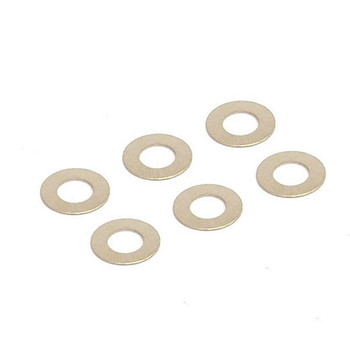
FTX Vantage Carnage Outlaw Banzai Kanyon Hooligan Washer 6pcs FTX6234 Shims
FTX
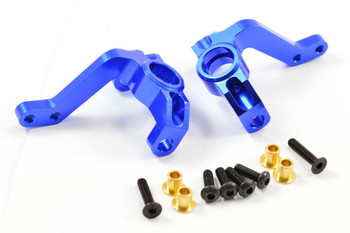

FTX Vantage Carnage Outlaw Banzai Kanyon Zorro Steering Arm Knuckles FTX6367
FTX
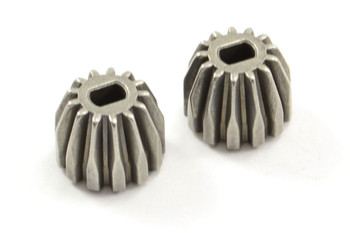

FTX Vantage Carnage Outlaw Banzai Kanyon Diff Drive Pinion Gear x2 13T FTX6230
FTX


FTX Vantage Carnage Outlaw Banzai Kanyon Steering Knuckle Arm (1 Pair) FTX6215
FTX
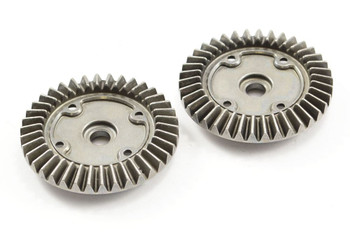

FTX Vantage Carnage Outlaw Banzai Kanyon Diff Drive Spur Gears FTX6229 39T gear
FTX